Latest
-

Schrödinger’s Column: When Dataverse Polymorphic Lookups Meet Power BI
Polymorphic lookups in Dataverse allow for flexible references to multiple tables, enhancing user experience in model-driven apps. However, this flexibility poses challenges in Power BI, where the contextual information about lookup IDs is lost. The solution involves creating a consolidated Responsible Party table in Power Query, linking the original IDs to provide meaningful reporting.
-
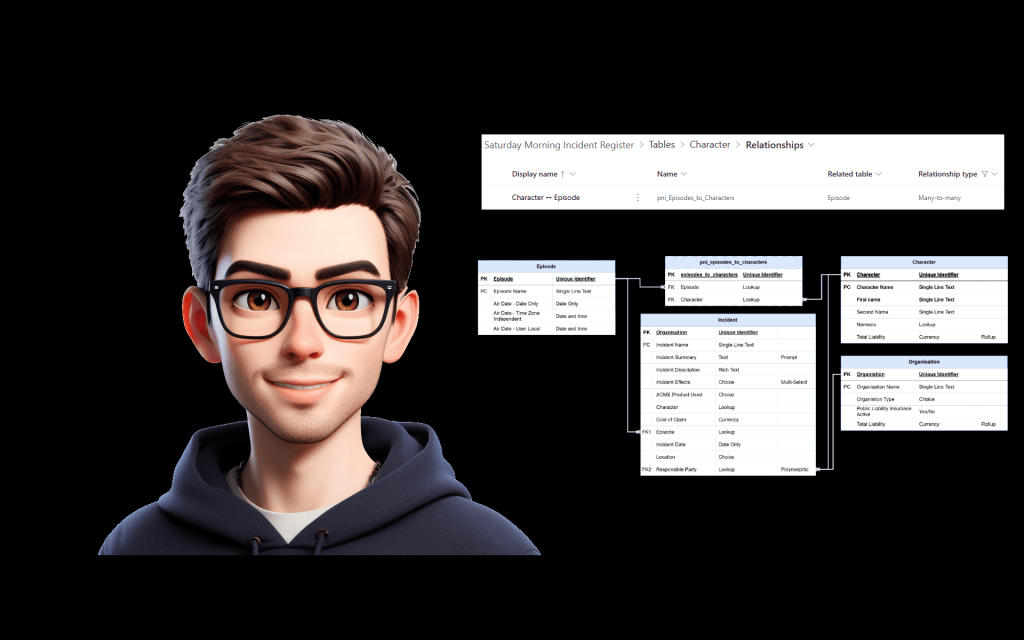
Documenting Dataverse Many-to-Many Relationships Before They Ambush Your Power BI Report
This post discusses the importance of documenting many-to-many relationships in Dataverse, especially when data is used in Power BI. While these relationships simplify app design, they can complicate reporting due to the existence of a joining table, which must be explicitly documented to ensure clarity and prevent confusion for data analysts.
-

Top 5 tips for learning Power Apps – beginner edition
Power Apps is a versatile tool in the Power Platform, but its flexibility can be daunting for beginners. Key tips include mastering the formula bar, understanding the power of galleries, not fearing model-driven apps, thinking in terms of “state,” and using error messages as learning tools. Embracing these concepts will ease the learning curve and…
-

Building a flexible-width gallery in Power Apps
Horizontal galleries in Power Apps usually force every item to have the same TemplateSize. This can feel restrictive, especially when you want a more dynamic look — like breadcrumbs or tags that adjust to their text content. Recently, community member jafrra shared an outstanding approach for dealing with this issue by creating a component. So…
-

How I built a Power Apps formula bar extension for Edge
Tired of the Power Apps formula bar covering your canvas? In this post, I share how I built PowerPin Formula Bar — a lightweight Edge extension that pins the formula bar to the side and makes it resizable. From the initial idea to DOM headaches and manifest file revelations, this is a behind-the-scenes look at…
-

Top 5 tips for learning Power Automate — beginner edition
This guide offers essential tips for beginners in Power Automate, aimed at reducing frustration and enhancing confidence. Key strategies include starting with and modifying templates, using Compose for debugging, mastering manual dynamic content referencing, structuring flows with Scopes for clarity, and utilizing Flow Checker and Run History effectively for error management. These practices pave the…
-

Unlocking Productivity: Top Tools for Power Platform Development
The Power Platform offers a range of tools that enhance development efficiency. Key recommendations include the XRM Toolbox for essential utilities, Draw.io for effective entity relationship diagramming, the PCF Gallery for UI customization, and the Power Platform Samples repository for inspiration. Early adoption of these resources is crucial for developers to streamline their workflows and…
-

Getting Started with Power Platform? Here’s What I Learned the Hard Way
Embarking on a Power Platform journey can be both thrilling and daunting. Key lessons learned include the significance of database design, data normalization for efficiency, and conducting user workshops to enhance collaboration. Focusing on UI/UX, embracing mistakes as learning opportunities, and engaging with the community are crucial for growth. These insights foster the development of…
-

Implement Certificate Authentication in Power Automate Flows
The post explains how to securely implement API calls with the “HTTP with Microsoft Entra ID (Preauthorised)” connector in Power Automate using certificate authentication. Key steps include setting up an app registration, generating certificate files via PowerShell, and configuring the connector. Benefits include enhanced security, centralized credential management, and improved auditing, making it ideal for…
-

Essential Guide to Secure Inputs and Outputs in Power Automate
Power Automate allows users to secure sensitive data, such as passwords and tokens, through Secure Inputs and Secure Outputs. This feature hides input and output values from the run history. However, users must be cautious as indirect references can expose sensitive data if not properly secured. It’s vital to review all actions referencing secure data…
 Power Nerd Insights - Power Platform Tips and Tricks